Pipelines and stages
What a pipeline is, how stages structure your sales process, and how deals close as won or lost.
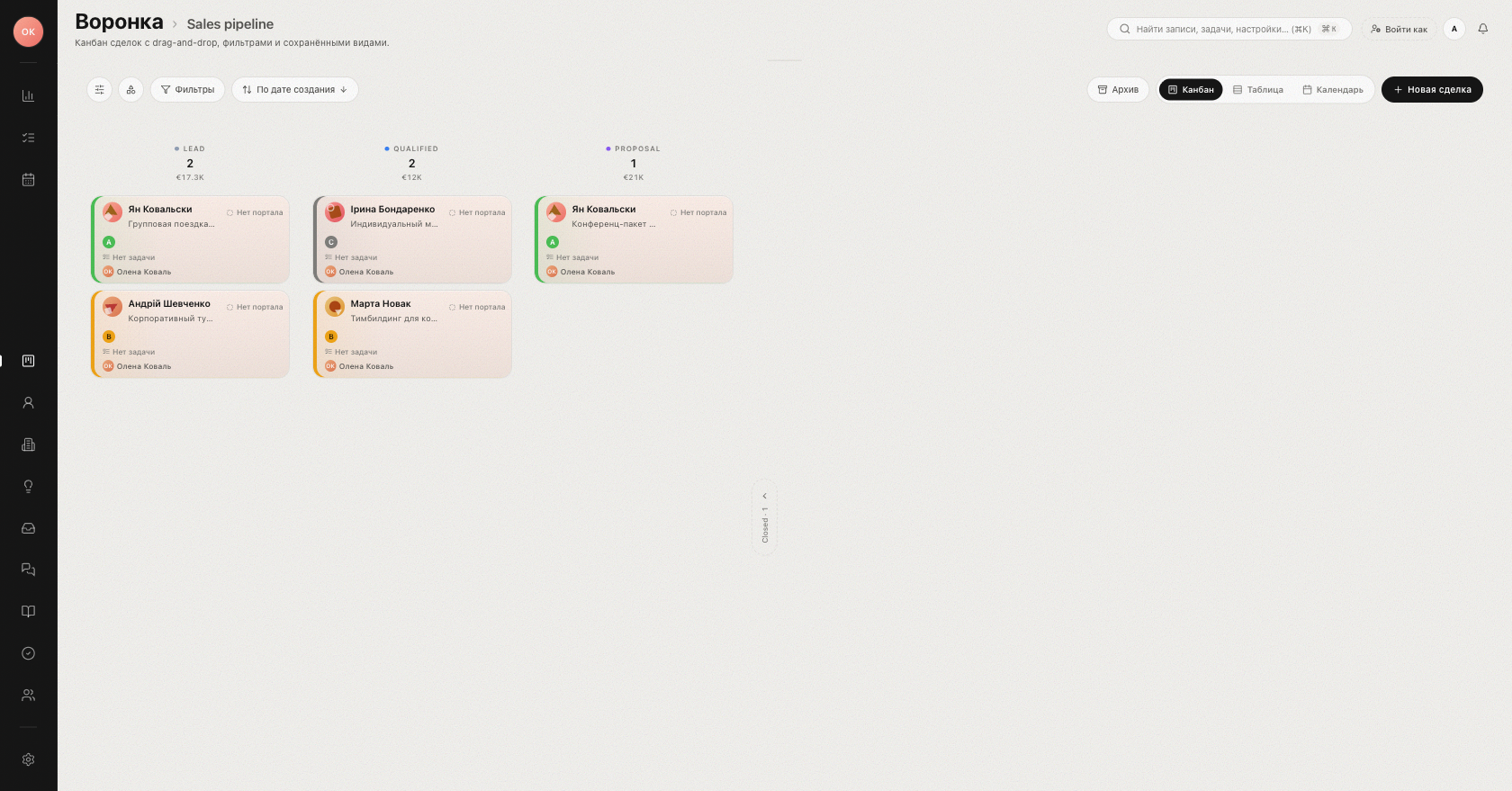
A pipeline is the path a deal travels from the first touch to a closed result. On the Pipeline page each pipeline is a kanban board: columns are stages, cards are deals — and every deal is always in exactly one stage of one pipeline.
Pipelines
A workspace can run several pipelines, for example one per service line. On the board, switch between them with the Switch pipeline selector in the header. When you create a deal via New deal, you pick its Pipeline and Stage right in the dialog — from then on the deal lives on that board.
Pipelines themselves are configured in Settings → Pipelines. That is also where you add and reorder stages.
Stages
Each column of the board is a stage. Click Add stage to create one. As the stage dialog explains: "Stages appear as columns on the kanban and as steps on the deal's Path tracker." A stage has:
| Setting | What it does |
|---|---|
| Name and color | The column label and its accent on the board. |
| Probability | Shown as "probability N%" and used by the Forecast view to weight amounts. |
| Initial | Marks the stage where new deals land. |
| Closed-won / Closed-lost | Marks the stage as a final result; the stage gets a "won" or "lost" badge. |
Closing a deal as won or lost
A deal closes when it reaches a stage marked Closed-won or Closed-lost. You can drag the card into that column on the board, or change the stage from the deal page. Closed deals are counted in the funnel as Won and Lost, and reports pick them up immediately.
Two details worth knowing:
- If a pipeline has no won stage configured, quick-close actions warn: "Won stage is not configured in this pipeline" (same for lost).
- To keep the board focused on active work, collapse the final columns with Hide closed stages and bring them back with Show closed stages.
Tip: name stages after concrete steps of your process ("Qualification", "Offer sent"), not after moods — the column name is the main hint the manager sees on the board.
Continue with Working the kanban board and The deal card.
Was this article helpful?